



Unlocking Web Development Potential: A Comprehensive Guide to Next.js
Introduction
In the field of technology of modern web development, creating dynamic and high-performance web applications is important. As technology evolves, developers seek tools that streamline the development process while ensuring scalability and efficiency. A developer while choosing the framework for the front-end must ensure the high-performance and scalable framework or libraries, not the convenient ones. One of the major decisions while building the web application is selecting the right framework and libraries that support the project’s scalability and performance. Before selecting the project we have to ensure the current and the future scopes of the project. This helps to identify the best solution for your web application.
Next JS
At its core, Next.js is a React framework that simplifies the creation of server-side rendered (SSR) and statically generated web applications. Developed by Vercel, Next.js offers a robust set of features out of the box, including:
- Server-side rendering (SSR): Next.js enables developers to render React components on the server, delivering fast initial page loads and improved SEO.
- Static site generation (SSG): With Next.js, you can pre-render pages at build time, significantly reducing server load and improving performance.
- Automatic code splitting: Next.js intelligently splits JavaScript bundles, optimizing page loading times and enhancing user experience.
- API routes: Building backend APIs is seamless with Next.js, thanks to its built-in API routes feature.
- File-based routing: Say goodbye to complex routing configurations – Next.js simplifies routing by mapping pages to files in your project structure
As a javascript and Typescript Developer, I like to work on Next Js due to its different features mentioned above. Next Js was developed by the Vercel community, which is an open-source build on top of react, turbo pack, and speedy web compiler (built on Rust language), allowing you to develop user-friendly and static web applications, also it helps to develop the single-page application with the integration of the react. The core engine of Next is based on NodeJS and bable with webpack auto configuration. This makes server-side rendering easier. Next Js provides various features, such as fast compiling, optimization, security, pre-rendering, dynamic page routing, and one of my best features highly optimized SEO.

Used of Next JS
- E-commerce web application
- Content management systems
- Enterprise application
- Prototyping and rapid development
- Progressive Web application (PWA)
Performance of Next
In comparison with the react and other javascript frontend frameworks and libraries Next JS is extremely faster due to its static site rendering and server-side rendering. There are other reasons such as Built-in optimization like Image, font, and script optimization. If you select the Next js as a tech stack for your project then you can achieve high performance, automatic server-side rendering, and code-splitting, which will enhance your development performance and the overall performance of your web application. Next Js achieves these features with the help of a turbo pack built on rust language.
Documentation
Well-managed documentation helps you to achieve your target faster and also helps to decide which framework or libraries are good for your project. During the development of the web application documentation play a vital role in achieving the target. Overall, well-structured documentation is one of the keys to the success of the projects.
You can easily find the documentation, article, and tutorial on the internet for the Next. Next, provide the set of learning-by-doing that walks through the basic foundation of the react component to the advanced level of implementing and developing the features on the Next.
If you like to create the Next project, then you need to start with:
- Install Node Js On your device.
- Create the Next project using the following command
$ npx create-next-app first-project
- npx:npx is the package runner tool, that allows you to execute npm package binaries without installing them globally. It stands for "Node Package eXecute". You can use other package runner tools like “yarn” and “npm”.
- create-next-app: This is a command-line utility provided by the Next.js framework. It's used for creating new Next.js applications. It sets up a new project with all the necessary files and configurations to get started with Next.js development.
- first-project: This is the name of the project that you're creating. You can replace "first-project" with whatever name you prefer for your Next.js application. You can keep the name as your project name or anything you like the folder of the project will be created by the name you had given. In this case, the folder name will be first-project.
While creating the Next.js project using the CLI (command line interface), it will ask whether you want to implement the difference feature or not. You can choose as your preference.
Developer Community

In the competitive market, you if are selecting a specific framework and, libraries you have to know the developer community, which will provide you with the proper solution for you issue that you encounter, as you can actively play a role in contributing to the open-source.
Since Next was launched in 2016 which is newer to the market, so they has less community compared to React but the community is growing and you can find the solution through Github.
Maintenance
They are well-maintained and release updates frequently. All you have to do now is keep up with the new updates. Since the community of Next.js is growing rapidly, the community is active and contributes a stable version with bug fixing and error identification.
Development Cost
Next.js is an open-source library built on top of the react framework, so it does not make it into the top-paying Innovations list. As a result, building a web application with the base of such open-source technologies will not be expensive.
Advantage of Next.js
- Fast development
- Enhance user experience
- SEO-friendly
- Fast rendering
- Build-in-CSS
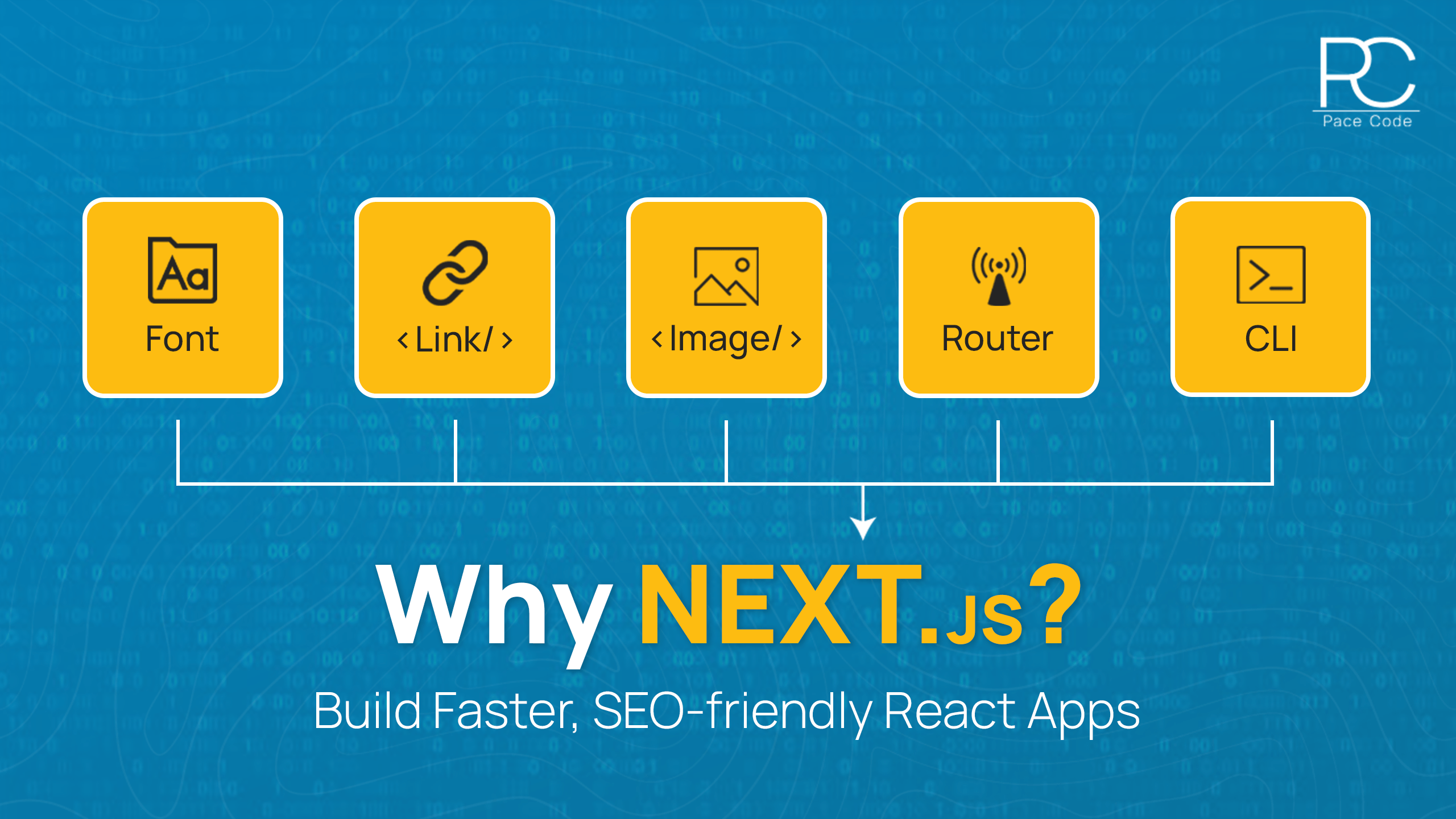
- Build-in-optimization
- ESLint supporter
- Multiple layouts
- Rust compiler (turbo pack)
We hope this article has given you the right information about the Next.js details summary. This will help you to advance your knowledge of Next.js while selecting the technology for your project. Happy Coding!
If you have any confusion about selecting Next.js and you still have questions about why to select Next.js feel free to reach out us. We will answer your queries and let you develop a cutting-edge web application for your project.